Deploy Acutools
Start the deployment path so we can confirm your Acutools instance URL and Acumatica OAuth setup.
Deploy the MCP layer, connect approved Acumatica users, and configure one controlled agent workflow your team can review.


'%3e%3c/path%3e%3cdefs%3e%3clinearGradient%20gradientUnits='userSpaceOnUse'%20id='lobe-icons-codex-_R_0_'%20x1='12'%20x2='12'%20y1='3'%20y2='21'%3e%3cstop%20stop-color='%23B1A7FF'%3e%3c/stop%3e%3cstop%20offset='.5'%20stop-color='%237A9DFF'%3e%3c/stop%3e%3cstop%20offset='1'%20stop-color='%233941FF'%3e%3c/stop%3e%3c/linearGradient%3e%3c/defs%3e%3c/svg%3e)

'%3e%3c/path%3e%3cpath%20d='M20.616%2010.835a14.147%2014.147%200%2001-4.45-3.001%2014.111%2014.111%200%2001-3.678-6.452.503.503%200%2000-.975%200%2014.134%2014.134%200%2001-3.679%206.452%2014.155%2014.155%200%2001-4.45%203.001c-.65.28-1.318.505-2.002.678a.502.502%200%20000%20.975c.684.172%201.35.397%202.002.677a14.147%2014.147%200%20014.45%203.001%2014.112%2014.112%200%20013.679%206.453.502.502%200%2000.975%200c.172-.685.397-1.351.677-2.003a14.145%2014.145%200%20013.001-4.45%2014.113%2014.113%200%20016.453-3.678.503.503%200%20000-.975%2013.245%2013.245%200%2001-2.003-.678z'%20fill='url(%23lobe-icons-gemini-1-_R_0_)'%3e%3c/path%3e%3cpath%20d='M20.616%2010.835a14.147%2014.147%200%2001-4.45-3.001%2014.111%2014.111%200%2001-3.678-6.452.503.503%200%2000-.975%200%2014.134%2014.134%200%2001-3.679%206.452%2014.155%2014.155%200%2001-4.45%203.001c-.65.28-1.318.505-2.002.678a.502.502%200%20000%20.975c.684.172%201.35.397%202.002.677a14.147%2014.147%200%20014.45%203.001%2014.112%2014.112%200%20013.679%206.453.502.502%200%2000.975%200c.172-.685.397-1.351.677-2.003a14.145%2014.145%200%20013.001-4.45%2014.113%2014.113%200%20016.453-3.678.503.503%200%20000-.975%2013.245%2013.245%200%2001-2.003-.678z'%20fill='url(%23lobe-icons-gemini-2-_R_0_)'%3e%3c/path%3e%3cdefs%3e%3clinearGradient%20gradientUnits='userSpaceOnUse'%20id='lobe-icons-gemini-0-_R_0_'%20x1='7'%20x2='11'%20y1='15.5'%20y2='12'%3e%3cstop%20stop-color='%2308B962'%3e%3c/stop%3e%3cstop%20offset='1'%20stop-color='%2308B962'%20stop-opacity='0'%3e%3c/stop%3e%3c/linearGradient%3e%3clinearGradient%20gradientUnits='userSpaceOnUse'%20id='lobe-icons-gemini-1-_R_0_'%20x1='8'%20x2='11.5'%20y1='5.5'%20y2='11'%3e%3cstop%20stop-color='%23F94543'%3e%3c/stop%3e%3cstop%20offset='1'%20stop-color='%23F94543'%20stop-opacity='0'%3e%3c/stop%3e%3c/linearGradient%3e%3clinearGradient%20gradientUnits='userSpaceOnUse'%20id='lobe-icons-gemini-2-_R_0_'%20x1='3.5'%20x2='17.5'%20y1='13.5'%20y2='12'%3e%3cstop%20stop-color='%23FABC12'%3e%3c/stop%3e%3cstop%20offset='.46'%20stop-color='%23FABC12'%20stop-opacity='0'%3e%3c/stop%3e%3c/linearGradient%3e%3c/defs%3e%3c/svg%3e)

'%20transform='translate(0%201)'%3e%3c/path%3e%3cpath%20d='M6.726%2020.16A2.528%202.528%200%20009.152%2022h1.566c1.37%200%202.49-1.1%202.525-2.48l.17-6.69-.357%201.228a2.528%202.528%200%2001-2.423%201.83h-4.32l-1.54-.842-1.667.843h.497c1.124%200%202.113.75%202.426%201.84l.697%202.432z'%20fill='url(%23lobe-icons-copilot-1-_R_0_)'%20transform='translate(0%201)'%3e%3c/path%3e%3cpath%20d='M15%200H6.252c-2.5%200-4%203.331-5%206.662-1.184%203.947-2.734%209.225%201.75%209.225H6.78c1.13%200%202.12-.753%202.43-1.847.657-2.317%201.809-6.359%202.713-9.436.46-1.563.842-2.906%201.43-3.742A1.97%201.97%200%200115%200'%20fill='url(%23lobe-icons-copilot-2-_R_0_)'%20transform='translate(0%201)'%3e%3c/path%3e%3cpath%20d='M15%200H6.252c-2.5%200-4%203.331-5%206.662-1.184%203.947-2.734%209.225%201.75%209.225H6.78c1.13%200%202.12-.753%202.43-1.847.657-2.317%201.809-6.359%202.713-9.436.46-1.563.842-2.906%201.43-3.742A1.97%201.97%200%200115%200'%20fill='url(%23lobe-icons-copilot-3-_R_0_)'%20transform='translate(0%201)'%3e%3c/path%3e%3cpath%20d='M9%2022h8.749c2.5%200%204-3.332%205-6.663%201.184-3.948%202.734-9.227-1.75-9.227H17.22c-1.129%200-2.12.754-2.43%201.848a1149.2%201149.2%200%2001-2.713%209.437c-.46%201.564-.842%202.907-1.43%203.743A1.97%201.97%200%20019%2022'%20fill='url(%23lobe-icons-copilot-4-_R_0_)'%20transform='translate(0%201)'%3e%3c/path%3e%3cpath%20d='M9%2022h8.749c2.5%200%204-3.332%205-6.663%201.184-3.948%202.734-9.227-1.75-9.227H17.22c-1.129%200-2.12.754-2.43%201.848a1149.2%201149.2%200%2001-2.713%209.437c-.46%201.564-.842%202.907-1.43%203.743A1.97%201.97%200%20019%2022'%20fill='url(%23lobe-icons-copilot-5-_R_0_)'%20transform='translate(0%201)'%3e%3c/path%3e%3cdefs%3e%3cradialGradient%20cx='85.44%25'%20cy='100.653%25'%20fx='85.44%25'%20fy='100.653%25'%20gradientTransform='scale(-.8553%20-1)%20rotate(50.927%202.041%20-1.946)'%20id='lobe-icons-copilot-0-_R_0_'%20r='105.116%25'%3e%3cstop%20offset='9.6%25'%20stop-color='%2300AEFF'%3e%3c/stop%3e%3cstop%20offset='77.3%25'%20stop-color='%232253CE'%3e%3c/stop%3e%3cstop%20offset='100%25'%20stop-color='%230736C4'%3e%3c/stop%3e%3c/radialGradient%3e%3cradialGradient%20cx='18.143%25'%20cy='32.928%25'%20fx='18.143%25'%20fy='32.928%25'%20gradientTransform='scale(.8897%201)%20rotate(52.069%20.193%20.352)'%20id='lobe-icons-copilot-1-_R_0_'%20r='95.612%25'%3e%3cstop%20offset='0%25'%20stop-color='%23FFB657'%3e%3c/stop%3e%3cstop%20offset='63.4%25'%20stop-color='%23FF5F3D'%3e%3c/stop%3e%3cstop%20offset='92.3%25'%20stop-color='%23C02B3C'%3e%3c/stop%3e%3c/radialGradient%3e%3cradialGradient%20cx='82.987%25'%20cy='-9.792%25'%20fx='82.987%25'%20fy='-9.792%25'%20gradientTransform='scale(-1%20-.9441)%20rotate(-70.872%20.142%201.17)'%20id='lobe-icons-copilot-4-_R_0_'%20r='140.622%25'%3e%3cstop%20offset='6.6%25'%20stop-color='%238C48FF'%3e%3c/stop%3e%3cstop%20offset='50%25'%20stop-color='%23F2598A'%3e%3c/stop%3e%3cstop%20offset='89.6%25'%20stop-color='%23FFB152'%3e%3c/stop%3e%3c/radialGradient%3e%3clinearGradient%20id='lobe-icons-copilot-2-_R_0_'%20x1='39.465%25'%20x2='46.884%25'%20y1='12.117%25'%20y2='103.774%25'%3e%3cstop%20offset='15.6%25'%20stop-color='%230D91E1'%3e%3c/stop%3e%3cstop%20offset='48.7%25'%20stop-color='%2352B471'%3e%3c/stop%3e%3cstop%20offset='65.2%25'%20stop-color='%2398BD42'%3e%3c/stop%3e%3cstop%20offset='93.7%25'%20stop-color='%23FFC800'%3e%3c/stop%3e%3c/linearGradient%3e%3clinearGradient%20id='lobe-icons-copilot-3-_R_0_'%20x1='45.949%25'%20x2='50%25'%20y1='0%25'%20y2='100%25'%3e%3cstop%20offset='0%25'%20stop-color='%233DCBFF'%3e%3c/stop%3e%3cstop%20offset='24.7%25'%20stop-color='%230588F7'%20stop-opacity='0'%3e%3c/stop%3e%3c/linearGradient%3e%3clinearGradient%20id='lobe-icons-copilot-5-_R_0_'%20x1='83.507%25'%20x2='83.453%25'%20y1='-6.106%25'%20y2='21.131%25'%3e%3cstop%20offset='5.8%25'%20stop-color='%23F8ADFA'%3e%3c/stop%3e%3cstop%20offset='70.8%25'%20stop-color='%23A86EDD'%20stop-opacity='0'%3e%3c/stop%3e%3c/linearGradient%3e%3c/defs%3e%3c/svg%3e)

One Acutools instance endpoint, one approved Acumatica workflow, and clear guardrails before sensitive operations are enabled.
Start the deployment path so we can confirm your Acutools instance URL and Acumatica OAuth setup.
Choose the MCP client your team wants to test first. The remaining steps update for that client.
Open a terminal and run this command.
claude mcp add --transport http acutools https://{your-instance-url}/mcpStart a Claude session. In the list of MCP servers, select acutools.
claude /mcpSelect Authenticate. A browser window opens so the approved Acumatica user can authorize access.
Acutools MCP is connected. Start with read-only Acumatica questions, then move into approved workflow prompts.
System
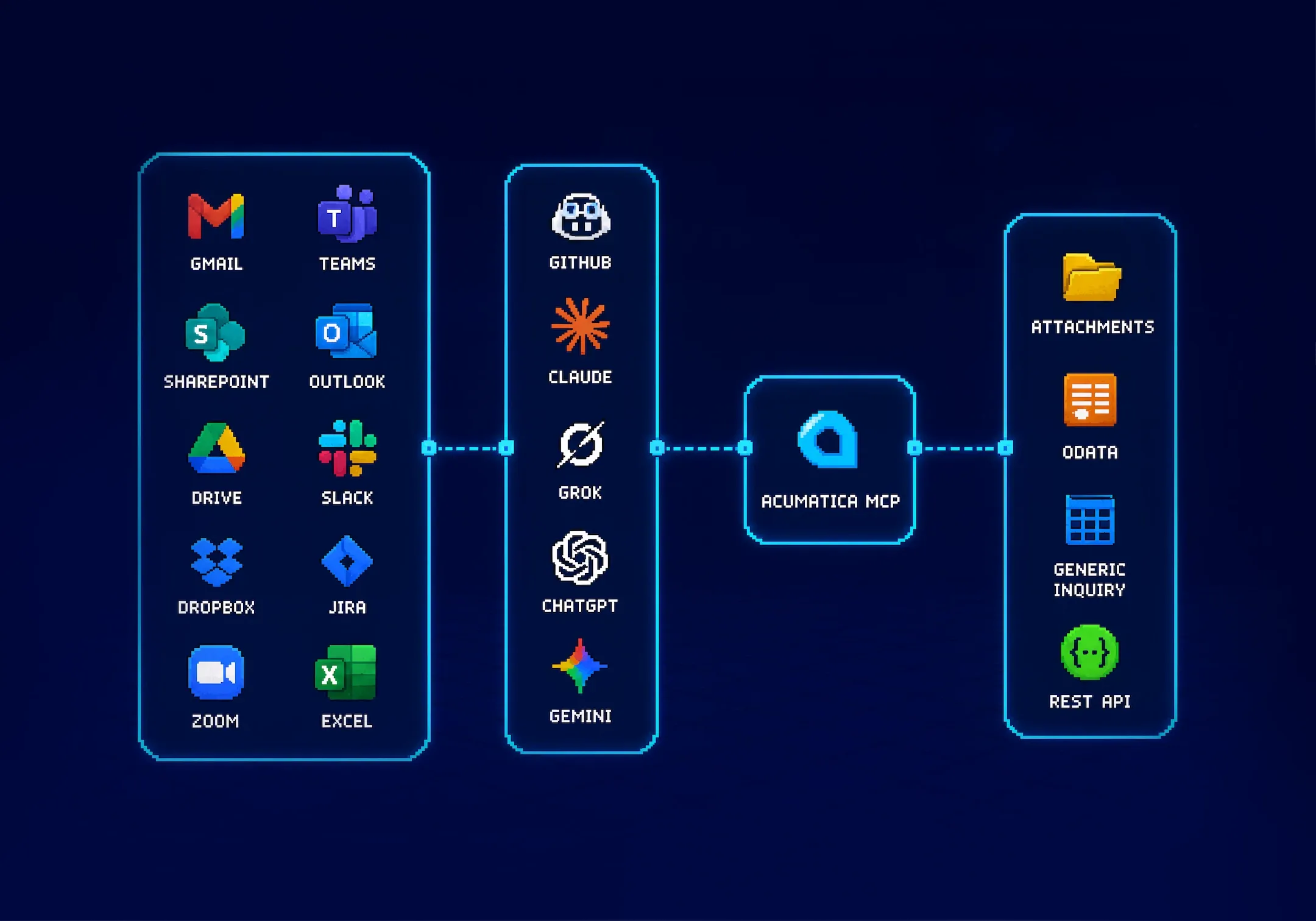
AI clients get useful Acumatica tools through your Acutools MCP endpoint, while user authorization, allowlists, limits, and audit logs keep access reviewable.
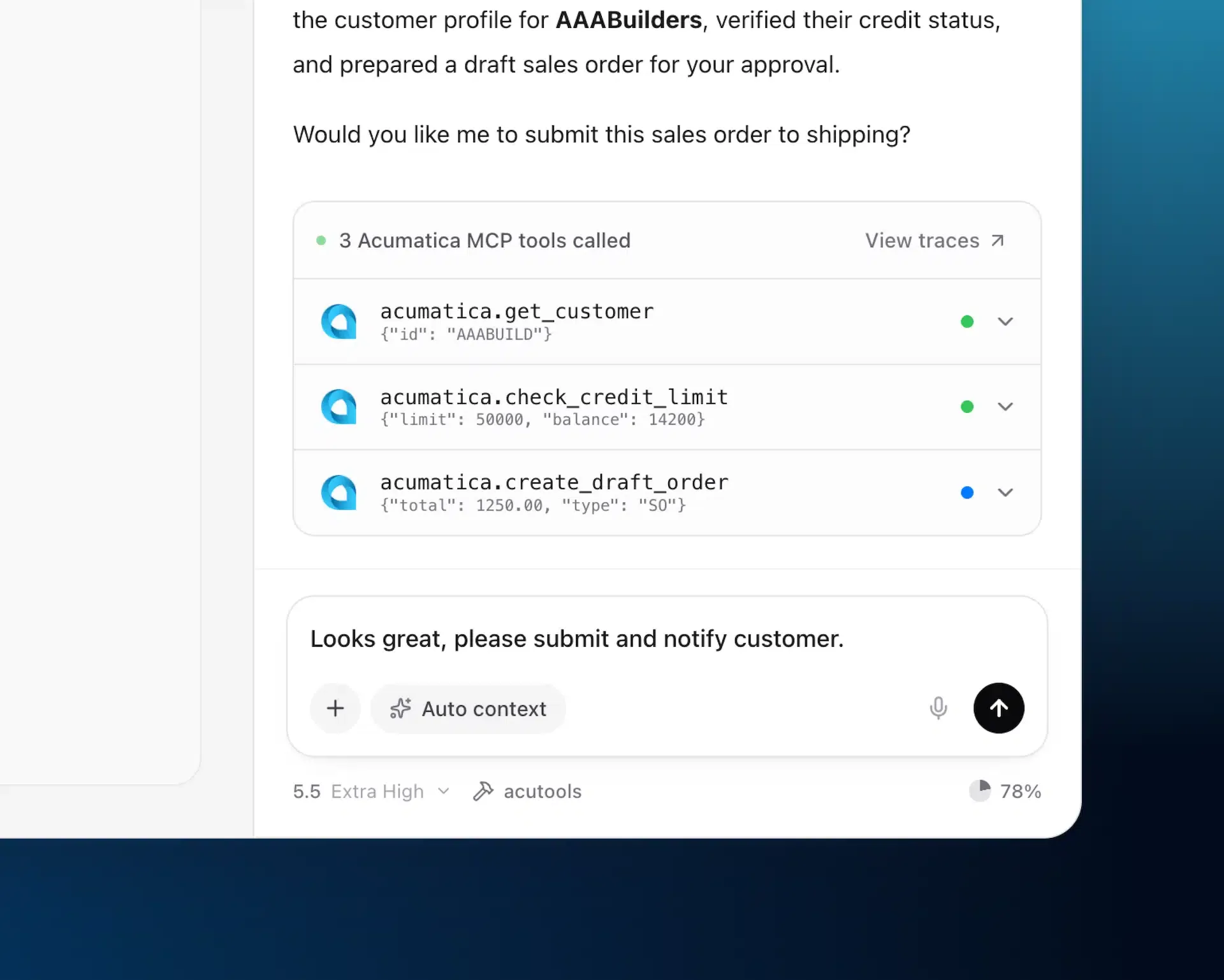
Approved users connect through Acumatica OAuth.
Acumatica permissions remain the final authorization gate.
Writes, deletes, attachments, and actions require explicit allowlists.
Rate limits, concurrency limits, and audit logs keep the first workflow inspectable.
Start narrow
The first guided deployment should not be a broad AI mandate. It should be one workflow with known records, a clear owner, and an approval point.
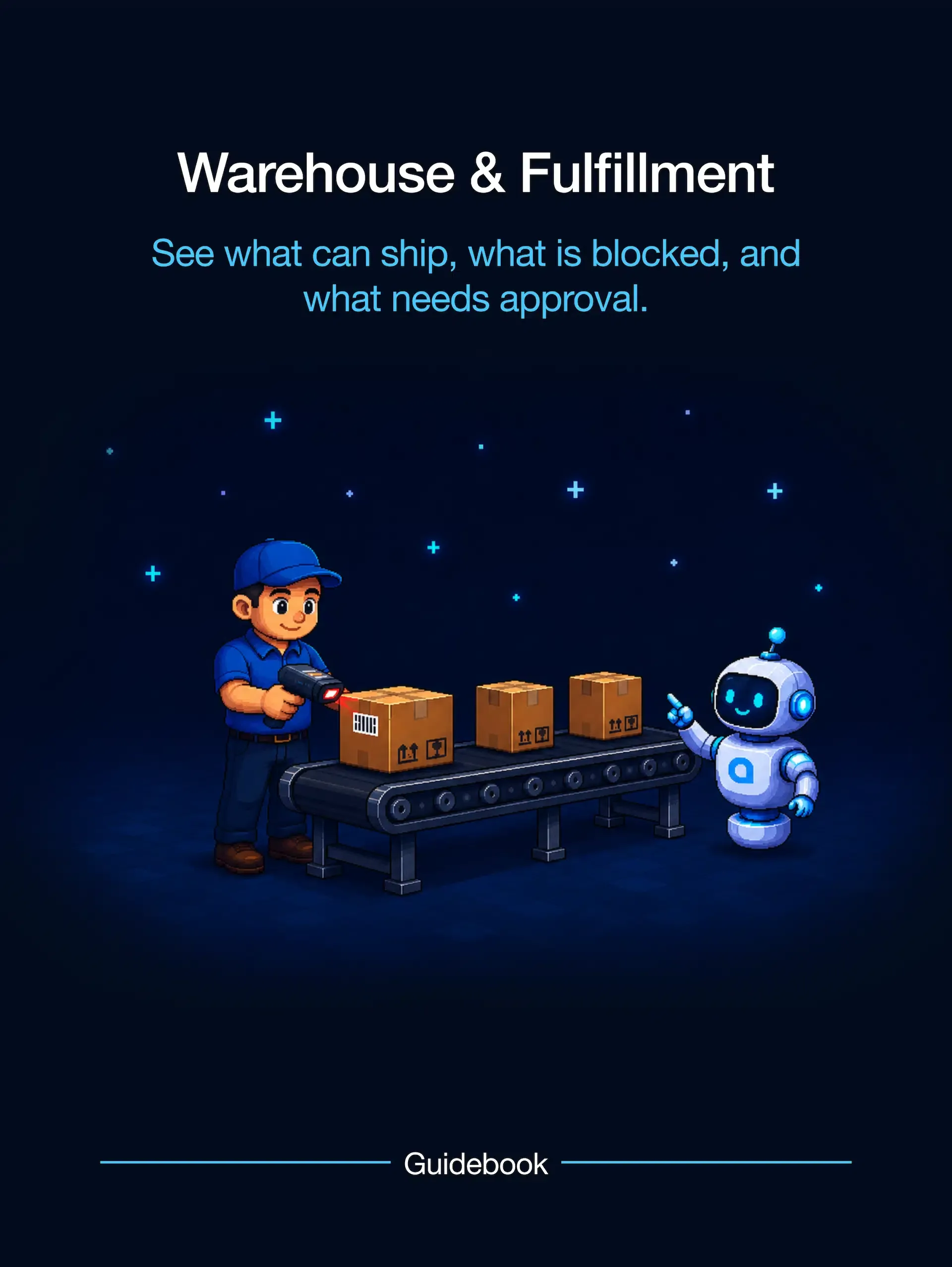
Answer availability questions, find blocked shipments, inspect allocations, and prepare fulfillment recommendations.
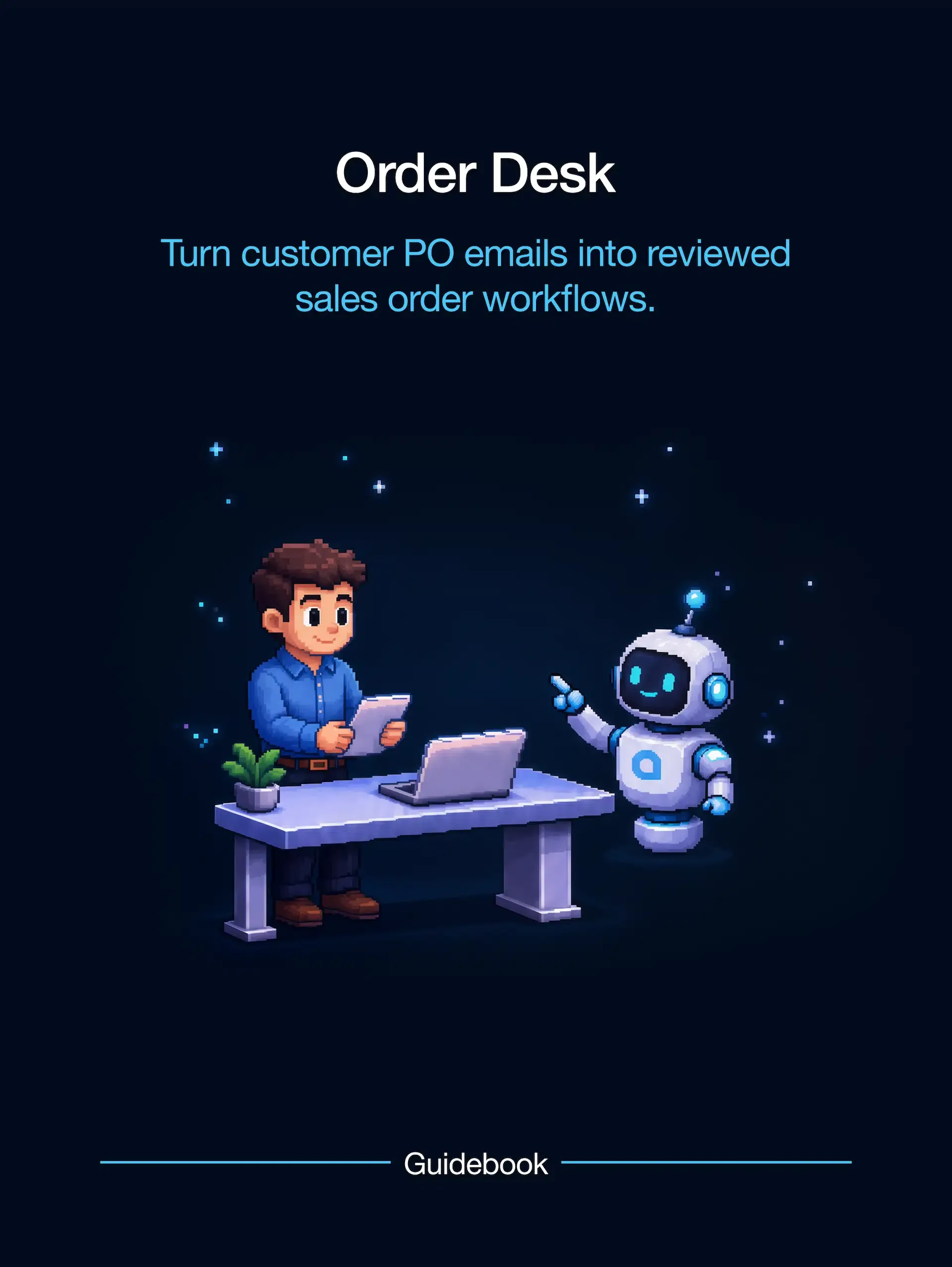
Turn customer PO emails, PDFs, screenshots, or notes into reviewed Acumatica order work.
Ask operational questions across sales orders, purchase orders, shipments, inventory, receivables, and commitments.